Android · Music player
iPod Player Android
Serene listening, the way it used to feel.
A 3rd generation iPod from 2003 on the phone you already carry. No feed, no suggestions, no ads.
Download the APKSource on GitHub
Android 8.0 or later · about 1.4 MB · an APK from GitHub, not on Google Play
Turn the wheel. The centre button opens a section.
Why
Most music apps are busy. Open one to play an album and you get a feed, a row of suggestions, a podcast you didn't ask for and a banner for something else.
The iPod didn't do any of that. You picked an album, pressed play and put it down. iPod Player Android is for listening sessions where the app stays out of the way: the menus of a 3rd generation iPod, the click of its wheel and the red glow of its buttons.
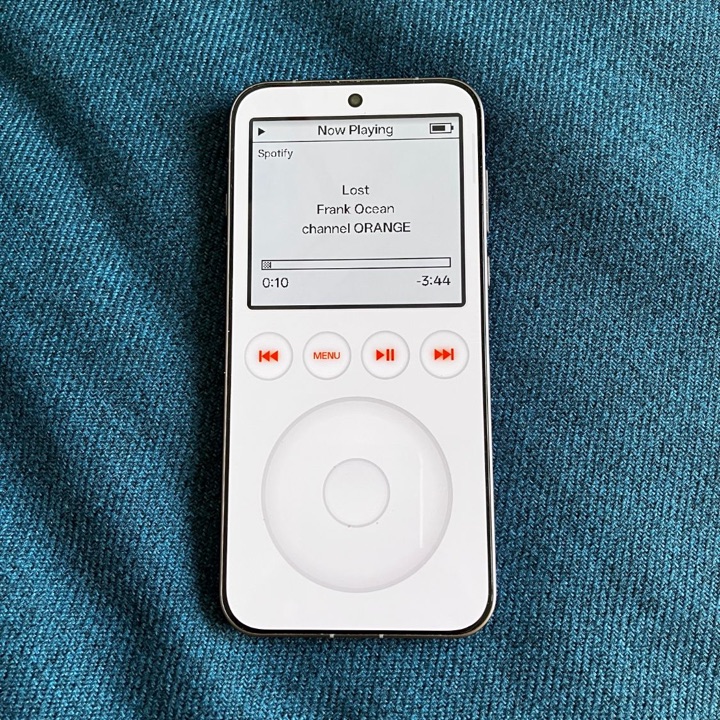
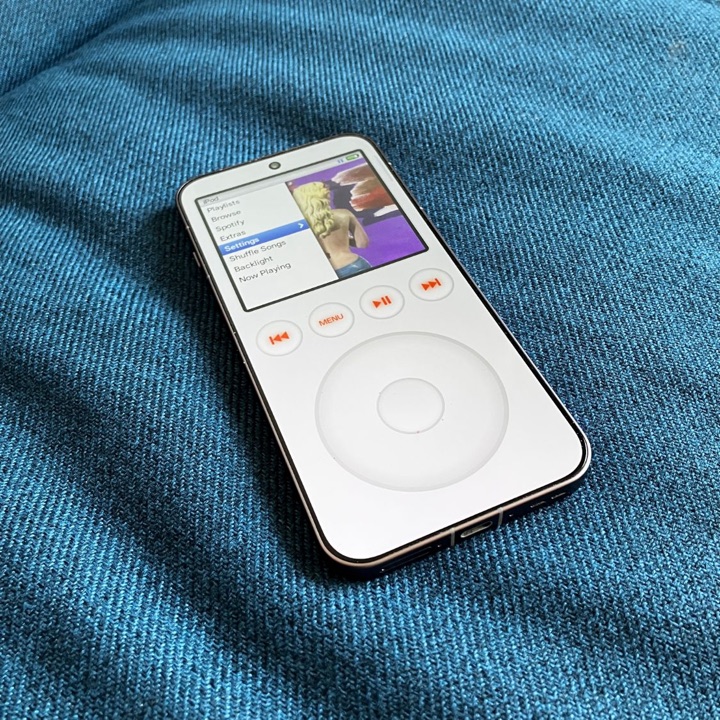
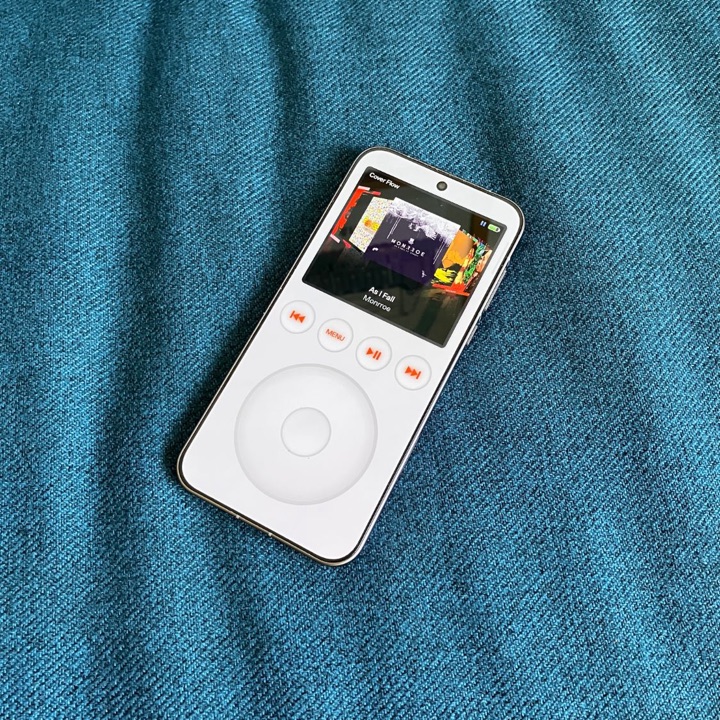
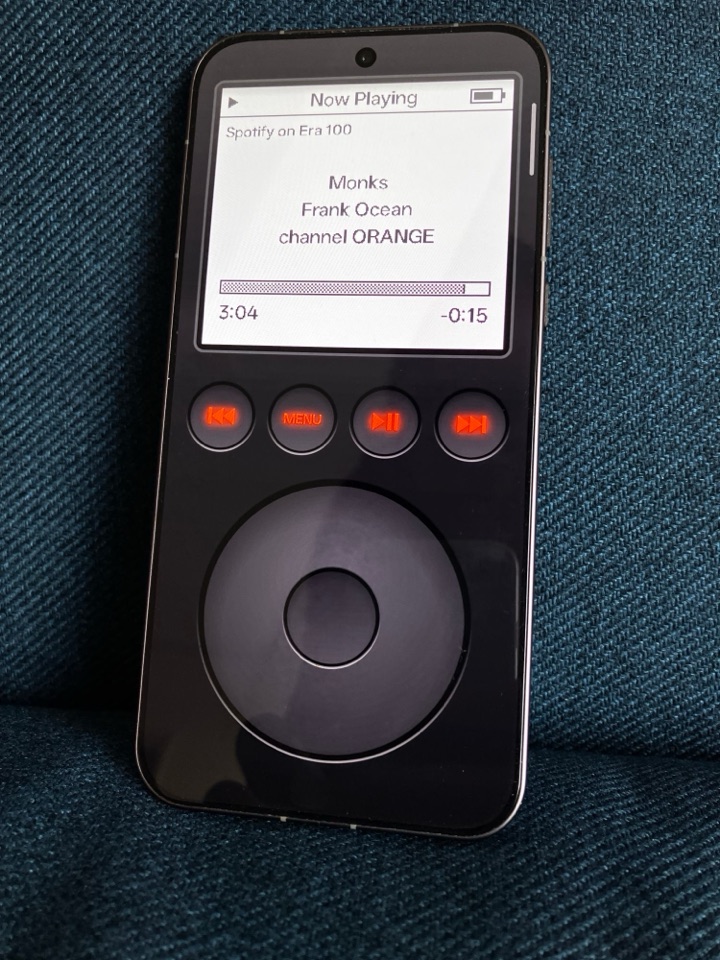
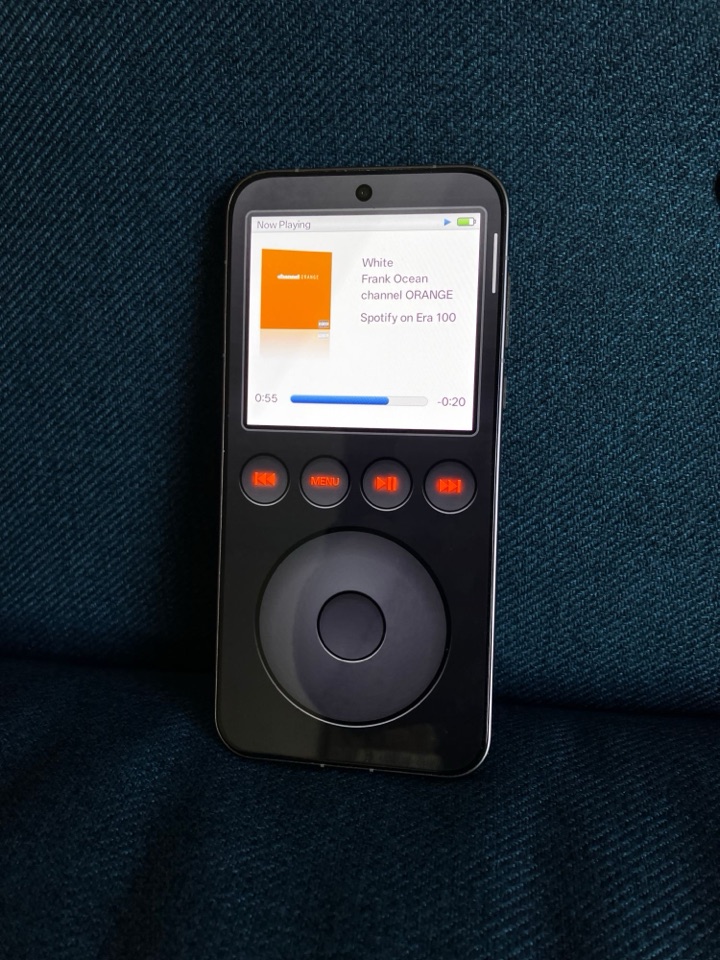
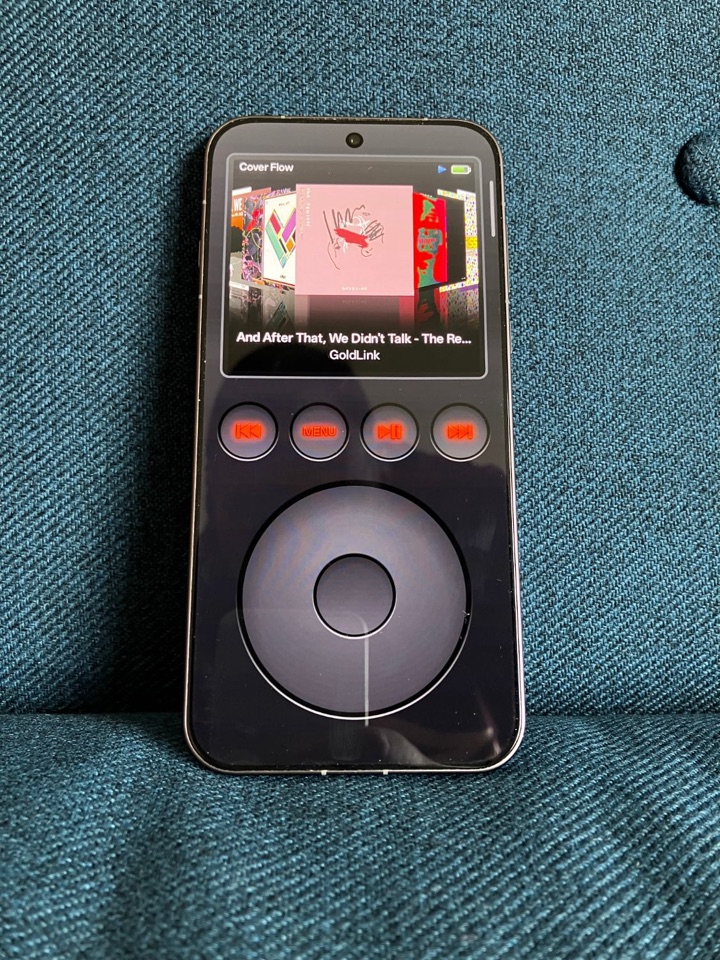
Open a photo to see it larger.
Two iPods in one
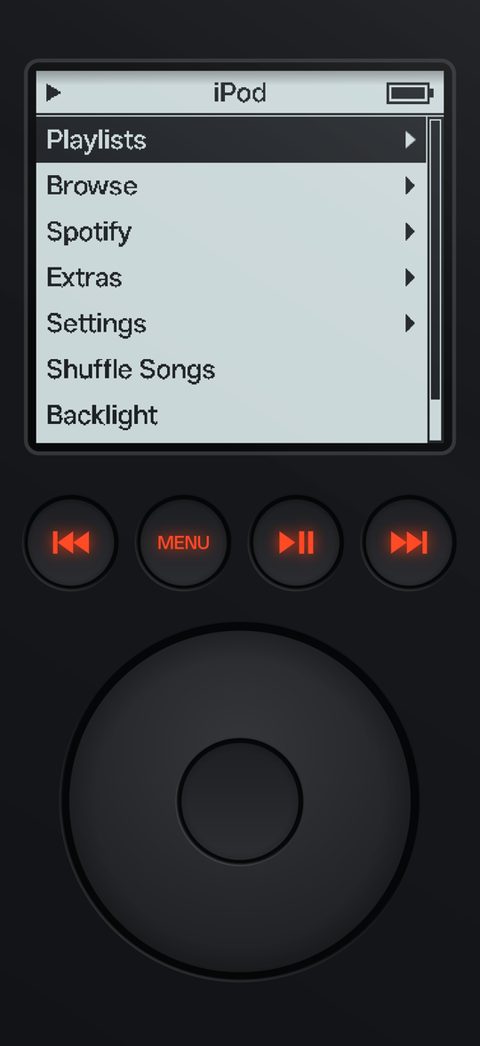
Out of the box it's the 3rd generation iPod from 2003: a grey-blue LCD with chunky pixel text, four red-lit buttons and a touch wheel, all under a clear acrylic layer.
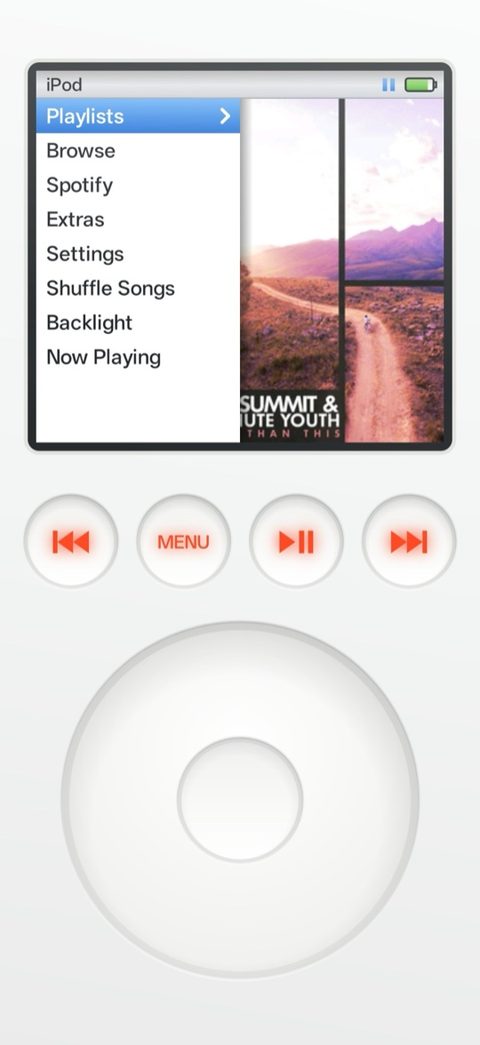
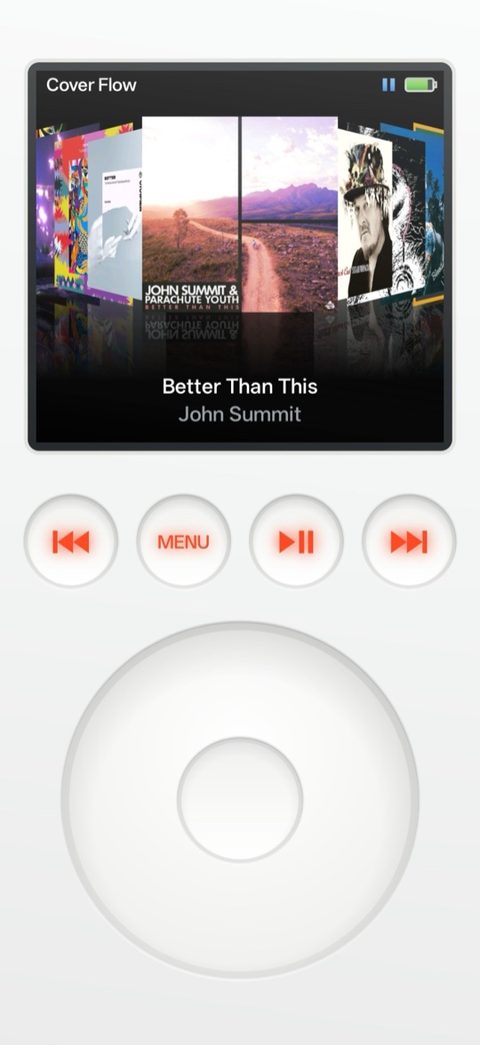
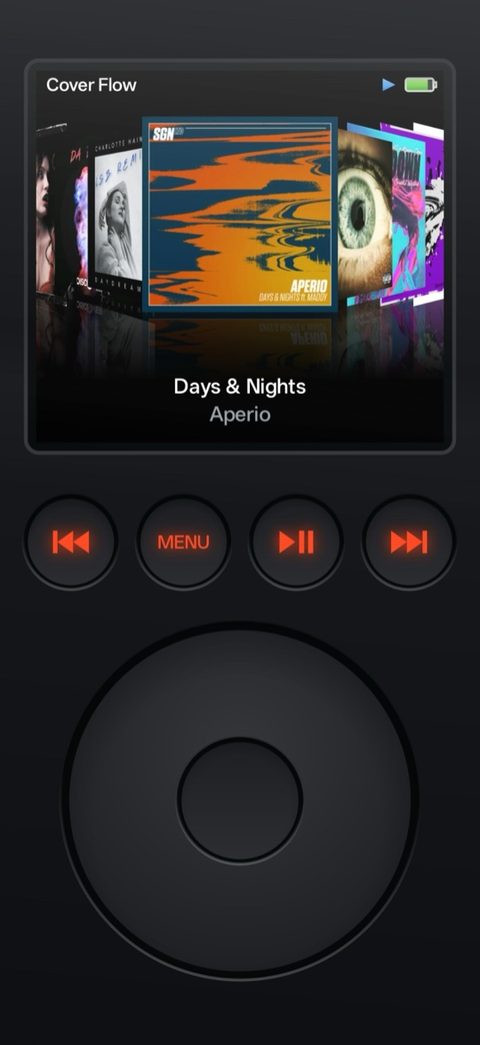
Switch Settings › Menu Style to 6th Gen and the screen becomes the iPod classic's: white, with the glossy blue highlight, album art next to the menus, Cover Flow and a Now Playing with the cover tilted and reflected.
The face is drawn in code, so it fits any phone. The light comes from the ceiling of your room: the phone's gravity sensor turns the shadows in the button holes and the gloss on the screen as you tilt it.
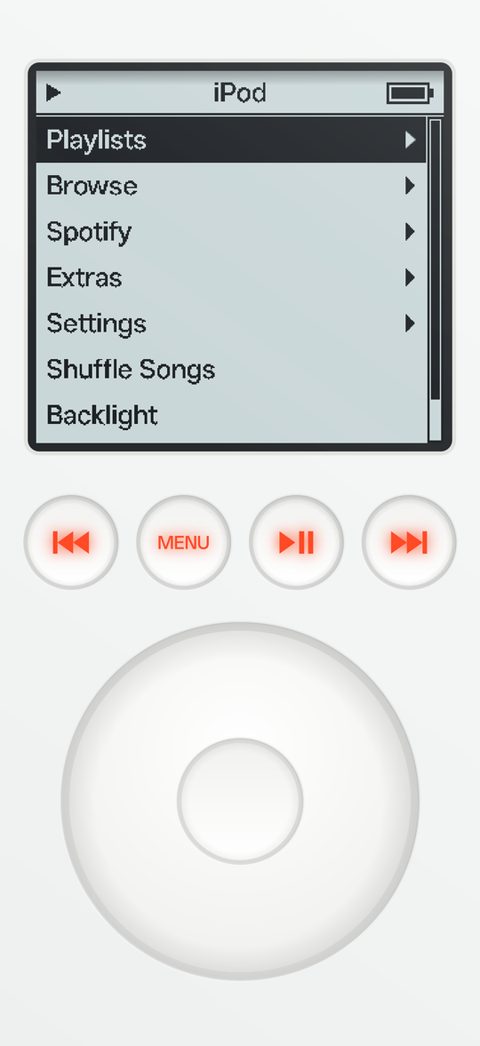
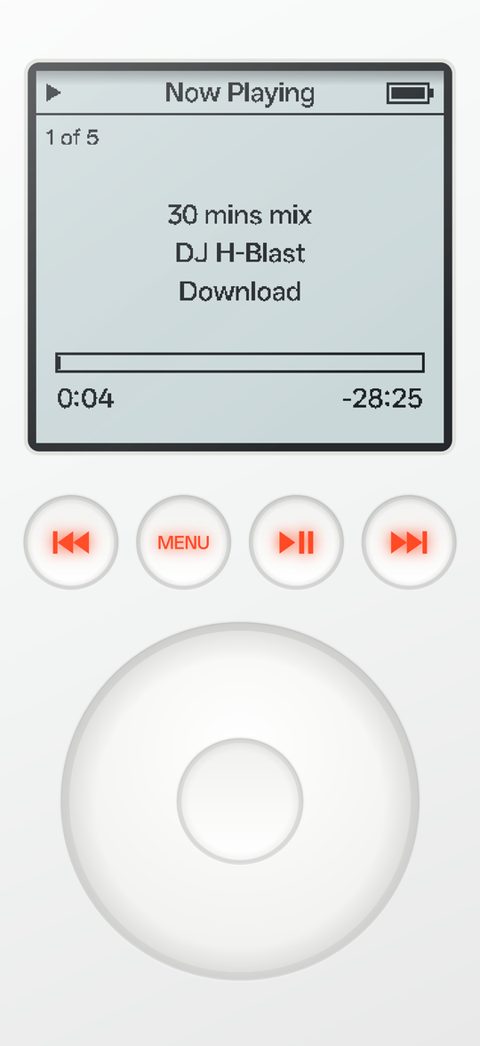
White or black
The original white body, or a black one Apple never made: gloss black plastic under the acrylic, a graphite wheel and the same red glow. Auto follows your phone's dark mode, and so does this page.
Controls
Every wheel step and button press makes the iPod's little click, and a light vibration if your phone has one.
- Wheel
- Scroll through menus, faster through long lists. On Now Playing it sets the volume.
- Centre button
- Select. On Now Playing it switches the wheel to scrubbing through the song.
- Hold centre
- On Now Playing: pick a speaker. On a song: add it to On-The-Go, or start a Spotify radio.
- MENU
- Back one level. The phone's back gesture does the same.
- Previous / next
- Previous or next song. Hold to rewind or fast-forward.
- Play / pause
- Play or pause. Hold for 2 seconds to sleep: the music pauses and the backlight goes off.
Spotify
Connect your Spotify account and your library shows up as iPod menus: your playlists, everyone in your Liked Songs and saved albums, your albums and your songs, sorted the way the iPod sorts. It plays through the Spotify app on the same phone, and Now Playing and the buttons control it like your own music.
Start Radio on any artist, or hold the centre button on a song, for an endless mix of songs like it. Now Playing names it, for example "Artist Radio: 10cc".
Spotify needs the Spotify app and Spotify Premium. The app runs in Spotify's development mode, which allows at most 5 Spotify accounts per app registration. To use it with your own account, you can build it with your own free Spotify app registration; the README on GitHub explains how.
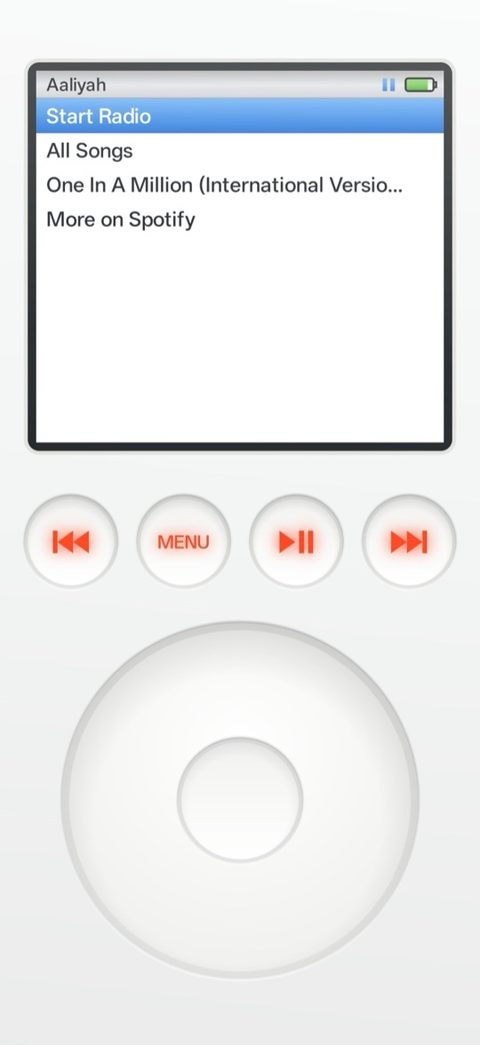
Speakers
Settings › Speakers, or hold the centre button on Now Playing, decides where the music plays. Pick a room and the song carries on there from the same spot, with the rest of the queue behind it.
Sonos
Your own music and Spotify. Spotify goes through the Sonos's own Spotify account, so it works even when the Spotify app doesn't list the speaker. A Sonos group shows up once, as "Kitchen +1".
Chromecast
Chromecasts, Google TVs and Nest speakers play your own music. Needs Google Play services on the phone.
Spotify Connect
Every speaker, TV or computer that Spotify lists for your account, for Spotify songs.
Other outputs
Android's own switcher for Bluetooth speakers and headphones.
The phone and the speaker have to be on the same Wi-Fi. The wheel on Now Playing sets the speaker's volume.
Equalizer
Settings › EQ has seven bands from 60 Hz to 15 kHz, each from −12 to +12 dB, and presets from Bass Booster to Spoken Word. Pick one, then fine-tune with the wheel. A limiter keeps big boosts from distorting, and when every band is at 0 dB the effect switches itself off.
The equalizer needs Android 9 or later and applies to your own music on the phone.
Extras
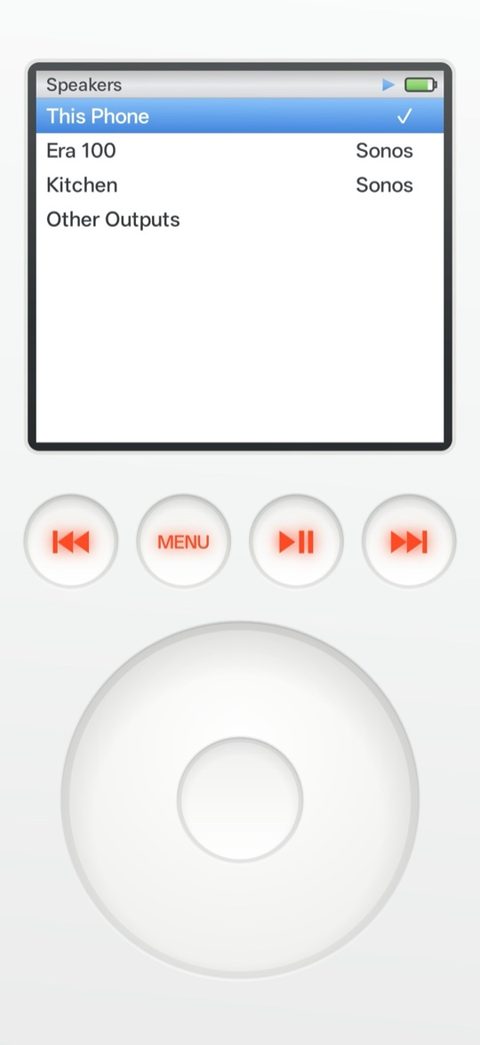
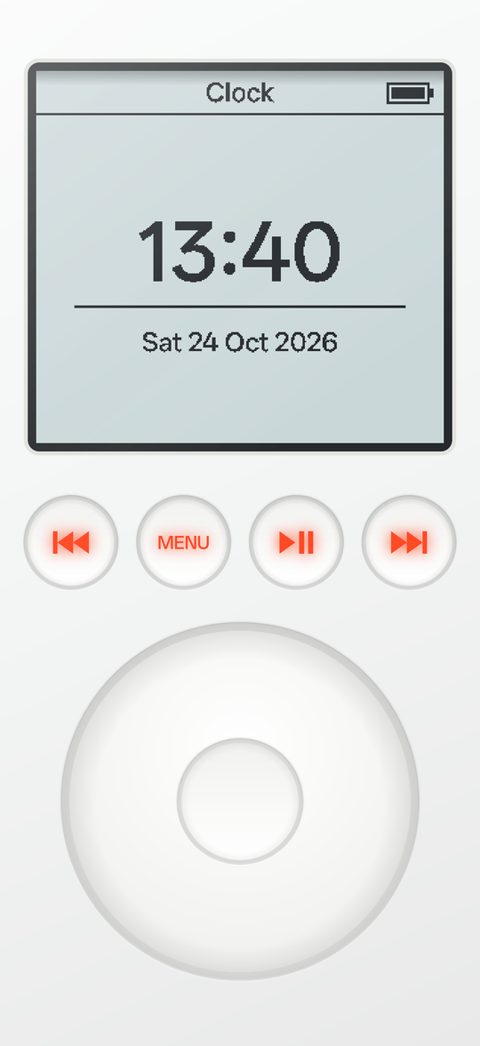
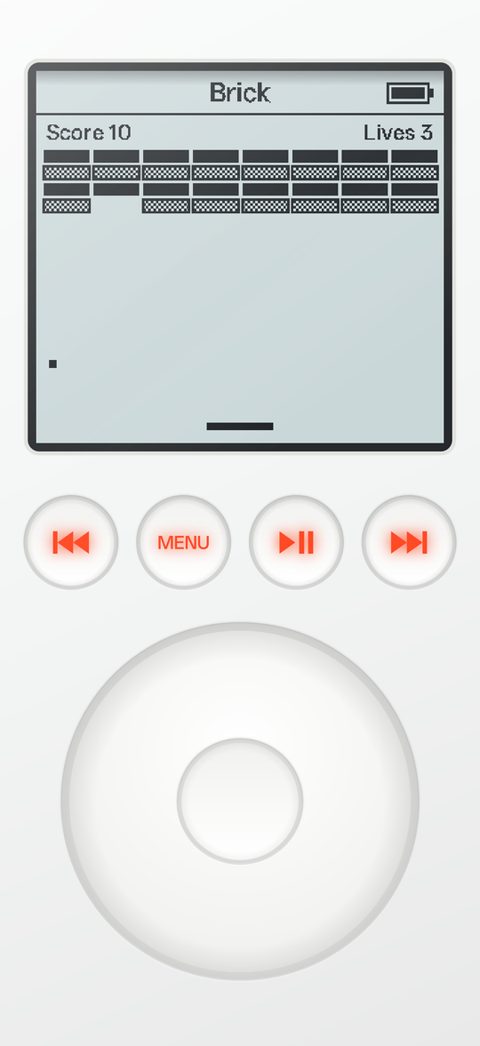
A clock in the big LCD font, and Brick, the iPod's own Breakout: turn the wheel to move the paddle. Music keeps playing in the background, with controls on the lock screen, and the battery in the title bar is your phone's real battery.
Install
- On your phone, open the latest release on GitHub.
- Download the iPodPlayerAndroid APK and open it.
- Allow "Install unknown apps" for your browser when Android asks.
- Open iPod Player Android and allow access to your music.
Download the APKv1.0.62
Every release is signed with the same key, so a new one installs over the old one and keeps your settings, playlists and Spotify sign-in.
You need
- Android 8.0 or later (the equalizer needs Android 9)
- Music on the phone, in Music/ or another music folder
- For Spotify: the Spotify app and Spotify Premium
- For Sonos and Chromecast: the same Wi-Fi as the speaker
Questions
- What is iPod Player Android?
- An Android music player that looks and works like a 3rd generation iPod from 2003, with an optional iPod classic screen. It plays the music on your phone and your Spotify library, on the phone or on Sonos, Chromecast and Spotify Connect speakers.
- Is it on Google Play?
- No. It's a hobby project that you install from the APK on its GitHub releases page. Every release is signed with the same key, so updates install over the old version.
- Is it free?
- Yes. It's free for personal use under the PolyForm Noncommercial License 1.0.0: use it, change it and pass it on, as long as nobody makes money with it.
- Does Spotify work for everyone?
- It needs Spotify Premium and the Spotify app. Spotify limits apps in development mode to 5 accounts per app registration, so for your own account you may need to build the app with your own free Spotify registration. The README explains how.
- Is it made by Apple?
- No. iPod Player Android is not affiliated with Apple or Spotify. iPod is a trademark of Apple Inc.
Credits
Made by Arnout van der Elst. Not affiliated with Apple or Spotify; iPod is a trademark of Apple Inc. The code and the drawings of the face are shared under the PolyForm Noncommercial License 1.0.0.